Documentation for ColorJoy.me
Manual creation
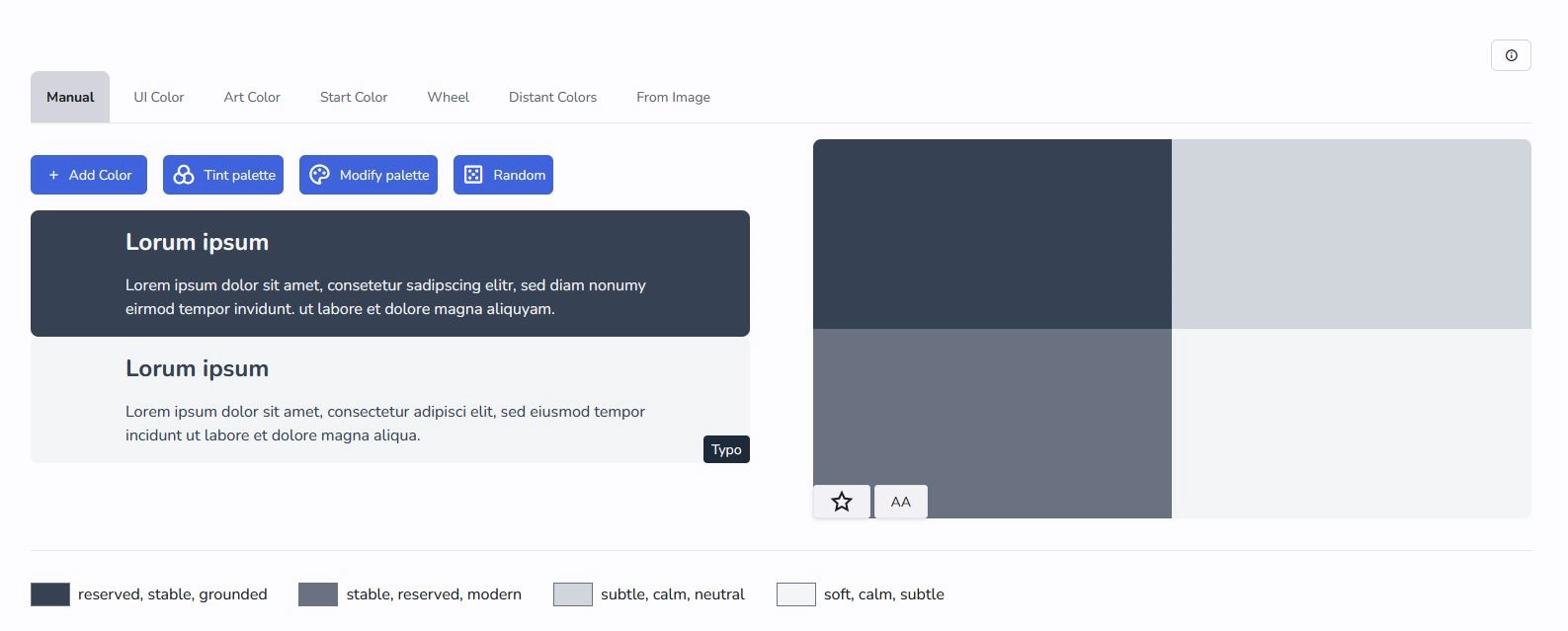
Add Color
This button simply opens the color picker. Select a color and confirm your choice. The is being added in the palette preview.
Edit Color
To edit a color hover over the patch in the palette preview and click the pen button. The color picker tool opens and you can change the color.
Delete a Color
To delete a color hover over the patch in the palette preview and click the pen button. The color picker tool opens together with a button to delete the color.
Random Color
Press the button with the dice, if you want a random generation of colors using color theory. We shuffle colors in the palette, that are not locked. If no color is locked , all colors are shuffled starting with a random seed color. If at least one color is locked, than this color is used as a seed color for the palette.
Than we randomly choose from color theory a mode: analogous, complimentary, monochromatic, quadratic, split complimentary, tetraidic, triadic and generate new colors for all unlocked colors.
This mode is great for exploring alternative accents, if you have some fixed colors.
Tint palette
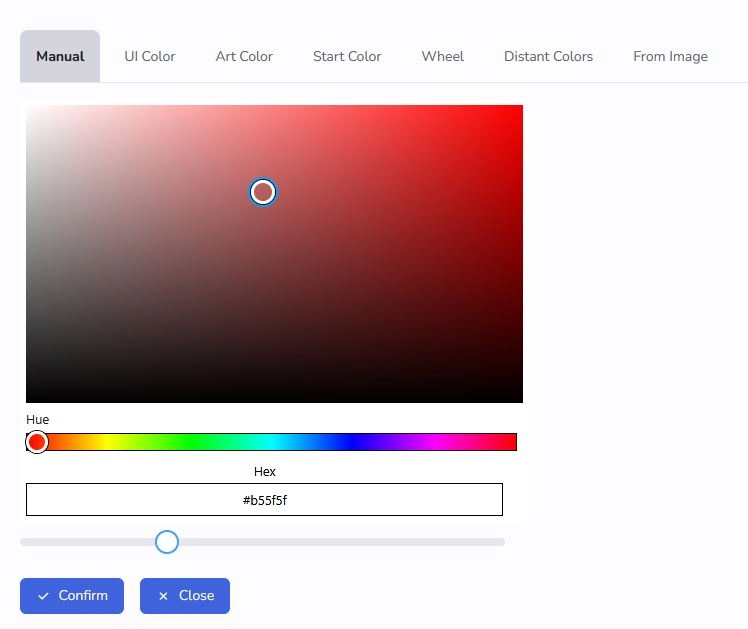
This is a service for users with subscription. To tint a palette, just open the color picker and confirm. Note, the slider below the determins the lightness and therefore the strength of the tint. If you are happy confirm your choice.
Modify palette
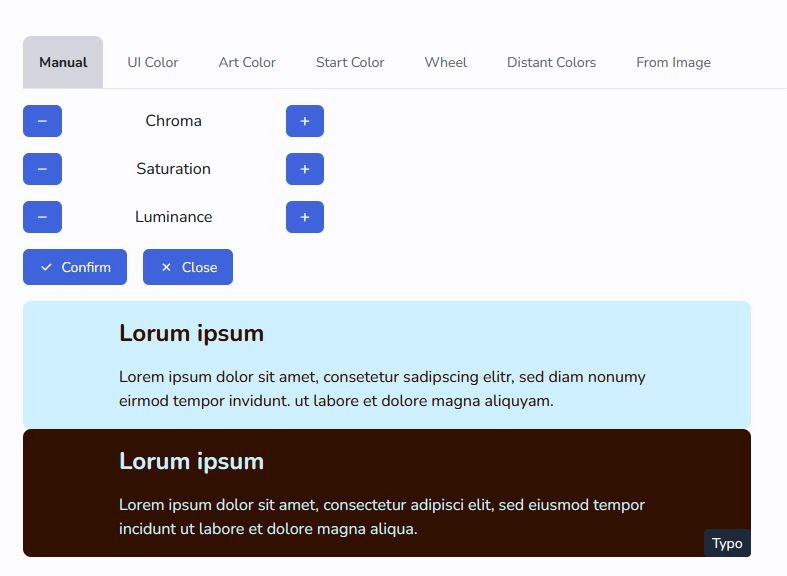
Modifying a palette allows users with subscription to shift hue, saturation and lightness of the palette as a whole. Confirm your choice.